Everything Your Child Needs to Learn. In One Place.
7-day free trial included · No credit card required · Cancel anytime
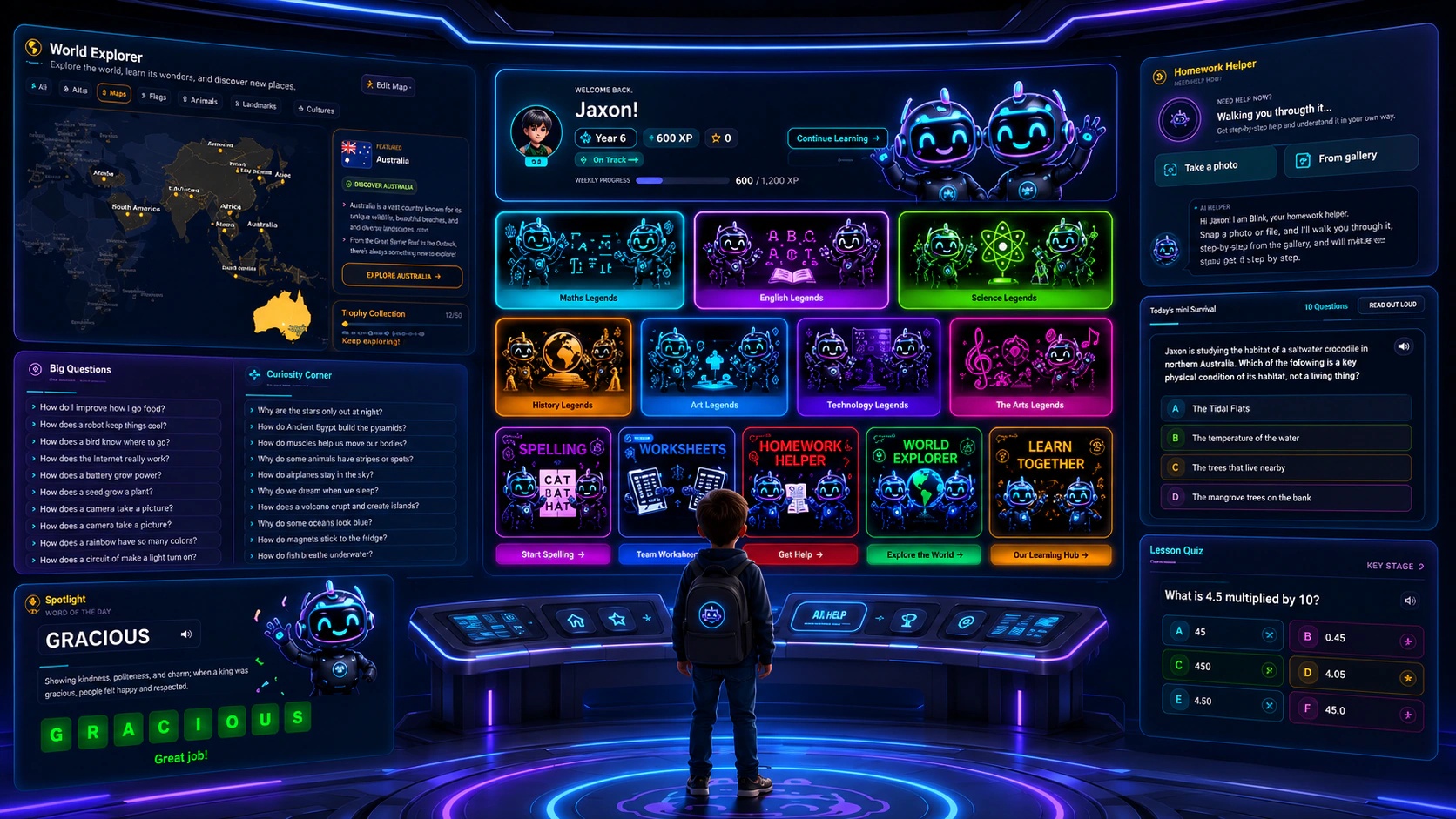
A dashboard for everyone
Parents stay in the loop, kids stay in flow. Tap either screen to take a closer look.
Six things we can prove.
Not parent quotes you can't verify.
Australian Curriculum (ACARA v9.0)
Every worksheet, lesson, and assessment references ACARA v9.0 content descriptors for Years 1 to 10.
Built in Australia
SmartKidz is a small Australian company. Australian voice, context, and curriculum throughout.
Australian privacy law compliant
Operates under the Privacy Act 1988 and the Australian Privacy Principles (APPs).
Encrypted, row-level security
Student data is encrypted in transit and at rest, with Supabase row-level security so only you see your child's profile.
No ads, no third-party tracking
Riley is the only thing your child interacts with. We don't run ads or sell behaviour to anyone.
Parent-controlled, transparent
You see what we detect. Misconception flags, weekly insights, and a single switch to revoke access at any time.
From login to learning in 4 steps
No complicated setup and no training required — pick a subject and topic, skim the guide, then learn alongside Riley.
Pick a subject
Start with any of 7 Australian Curriculum (ACARA v9.0) subjects — Maths, English, Science, HASS, HPE, Technologies or The Arts.
Choose a topic
Browse the topics within that subject and pick exactly what your child is working on, each mapped to their year level.
Review the topic guide
Open the topic guide first — key concepts, worked examples, handy tips and the common mistakes to watch for.
Choose a level & learn
Pick the Beginner, Intermediate or Advanced lesson. Riley teaches every question Socratically — and correct answers earn XP.
Meet Riley, built for Aussie kids
Riley never just hands over the answer. Using a four-stage Socratic method, Riley asks the right questions, drops hints and guides your child to reach the answer themselves — speaking out loud in a natural Australian voice and typing back, so the understanding actually sticks.
- Two layers of scanning check every message before and after Riley replies — unsafe content never gets through.
- Attempts to share personal details, or anything concerning, are blocked and flagged to your dashboard instantly.
- No ads, no external links and no other users — a closed world where your child only ever talks to Riley.
Everything you need, in one dashboard
Track progress and weekly growth, generate worksheets, review safety and messages, and manage your plan — all from one parent dashboard.
Child progress
Completion and mastery for every child, topic by topic — strengths and gaps clear at a glance.
Weekly insights
A plain-English report each week: what your child practised, where they grew and what comes next.
Worksheet generator
Chat with Riley to build printable worksheets with answer keys — or send them straight to your child.
Message Centre
Safety-flagged questions and suggested follow-ups land in one parent inbox.
Safety & controls
Set Riley's rules, review every flagged chat and keep full visibility over what your child does.
Misconception reports
See exactly why answers go wrong and which thinking patterns need attention.
How-to guide
A built-in walkthrough of every parent and child feature, whenever you need it.
Manage subscription
Upgrade, switch plans or cancel anytime — billing lives right in your dashboard.
Seven subjects. Full coverage.
Everything referencing the Australian Curriculum (ACARA) v9.0, Years 1 to 10.
English
Reading, writing & grammar
- Language
- Literacy
- Literature
- Language for Persuasion
- Grammar in Context
Science
Living things, forces & matter
- Biological Sciences
- Chemical Sciences
- Earth & Space Sciences
- Physical Sciences
HASS
History, geography & society
- History
- Geography
- Civics & Citizenship
- Economics & Business
HPE
Health, movement & wellbeing
- Personal, Social & Community Health
- Movement & Physical Activity
Technologies
Coding, design & digital skills
- Digital Technologies
- Design & Technologies
Ready to see your child light up with learning?
7-day free trial included, full access to Riley, all seven subjects, and every premium feature.
Cancel anytime. No lock-in.
We'd love to hear from you
Questions about SmartKidz, pricing, or partnerships? Send us a message and we'll get back to you quickly.