Outcome 01
Open- or closed-book
Focused class assessment
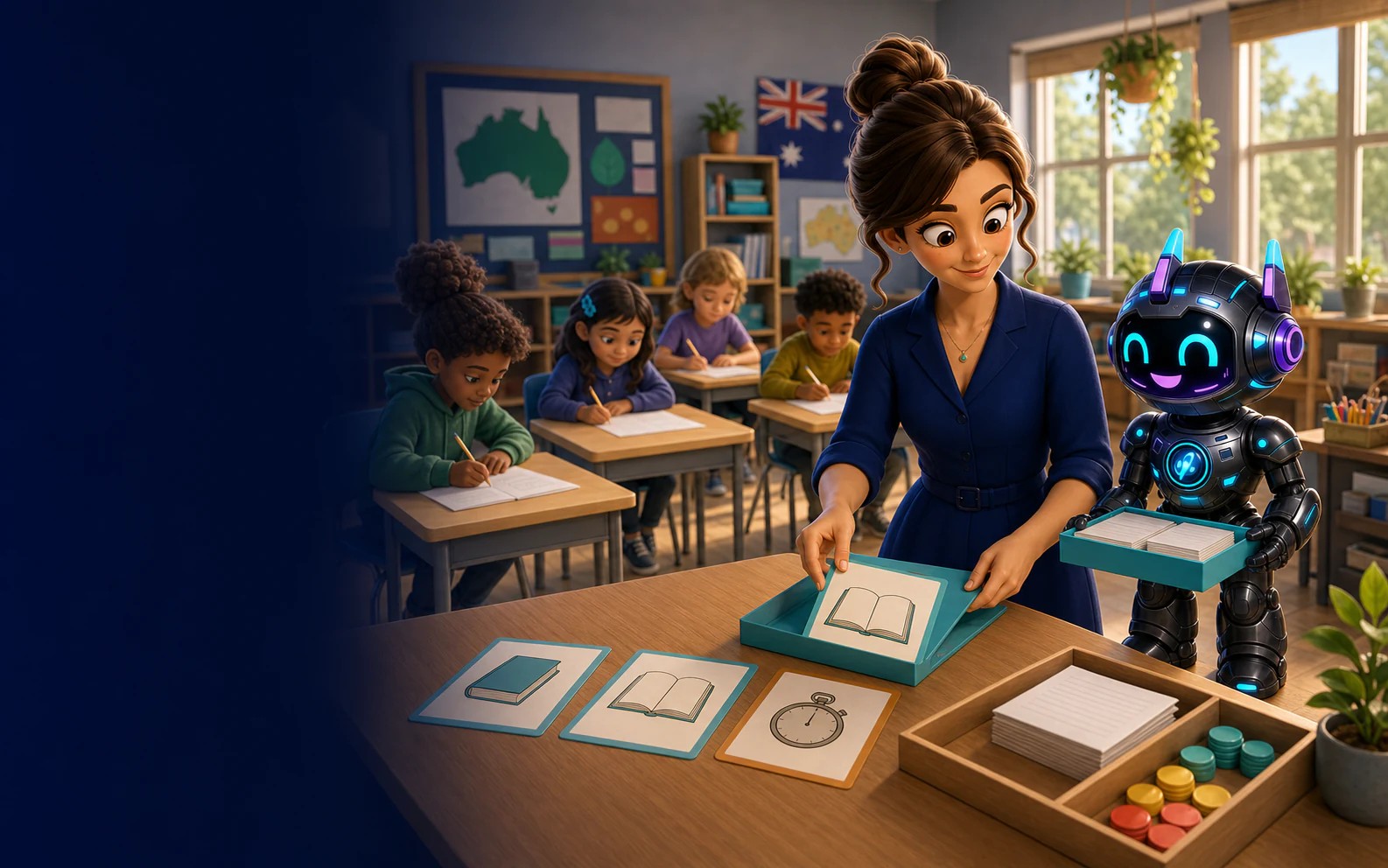
Create and publish class tests, choose open- or closed-book conditions, add a time limit when it is useful and review results inside the teacher workspace.
What this unlocks
Teachers choose when a test is published, whether it is open- or closed-book and whether timing serves the assessment purpose.
Outcome 01
Open- or closed-book
Outcome 02
Item analysis
Outcome 03
CSV and PDF exports
Assessment without theatre
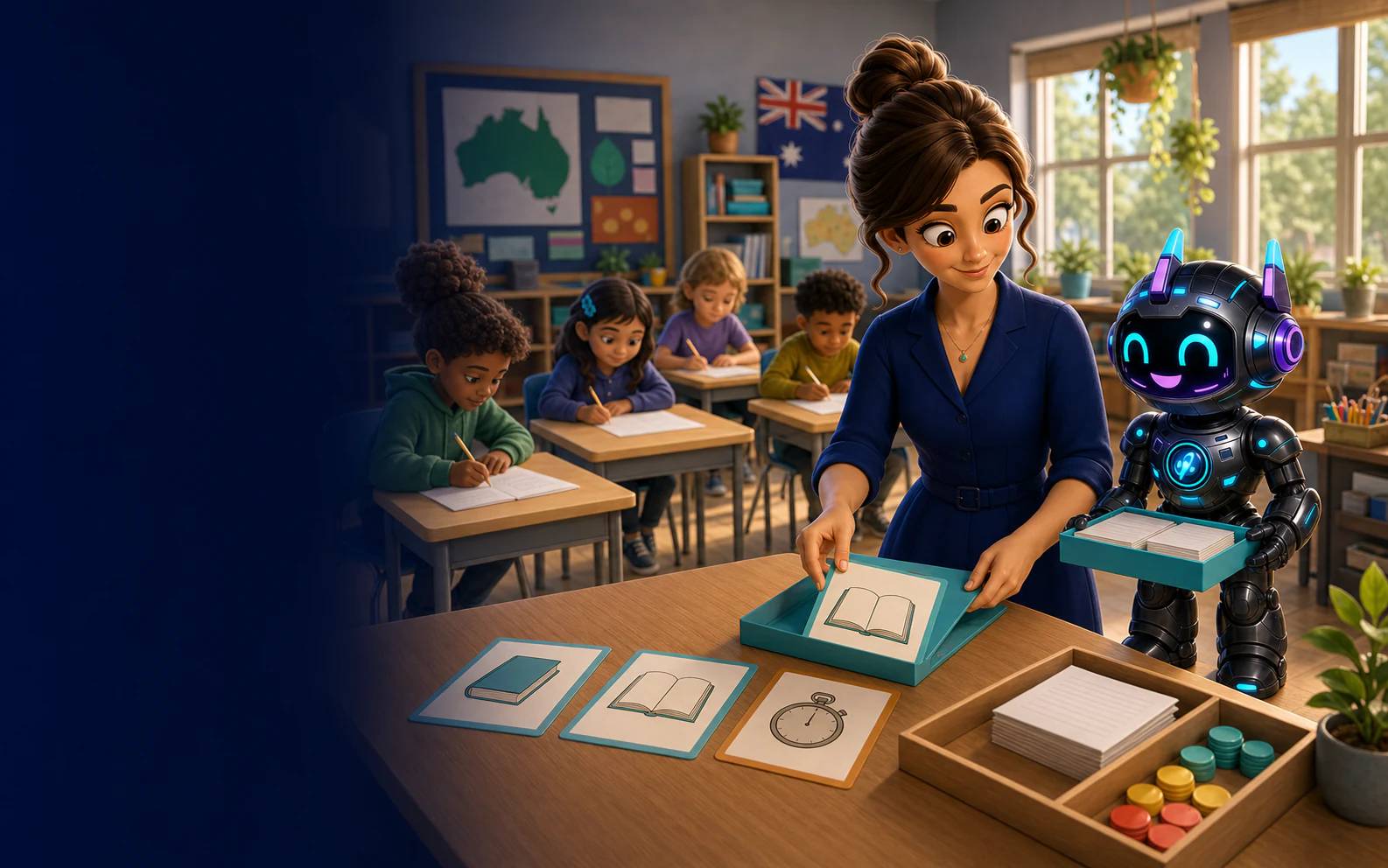
SmartKidz keeps class assessment separate from open browsing. Teachers set the task and conditions; students enter through their school workspace.
Prepare the test, set its conditions and make it available on your timetable.
Add a time limit or leave the test untimed according to the assessment purpose.
Students complete published tests inside their signed-in school space.
See submissions, class averages and question patterns, then export the current results as CSV or PDF.
A clear assessment flow
Keep the administrative mechanics simple so the assessment purpose stays visible.
Define the task and choose the conditions students will work under.
Published tests appear in the learner’s dedicated school dashboard.
Open the published test results and bring the evidence back into teaching.
Book a walkthrough of teacher setup, the student test surface and result review.
Curriculum notice: SmartKidz is an independent educational platform. School content references ACARA v9.0 and the New Zealand Curriculum where content is available; SmartKidz is not affiliated with, sponsored by or endorsed by ACARA, the Australian Government or the New Zealand Ministry of Education. Australian Curriculum material is used under CC BY 4.0.