Outcome 01
Build, reuse or photograph
Homework Buddy
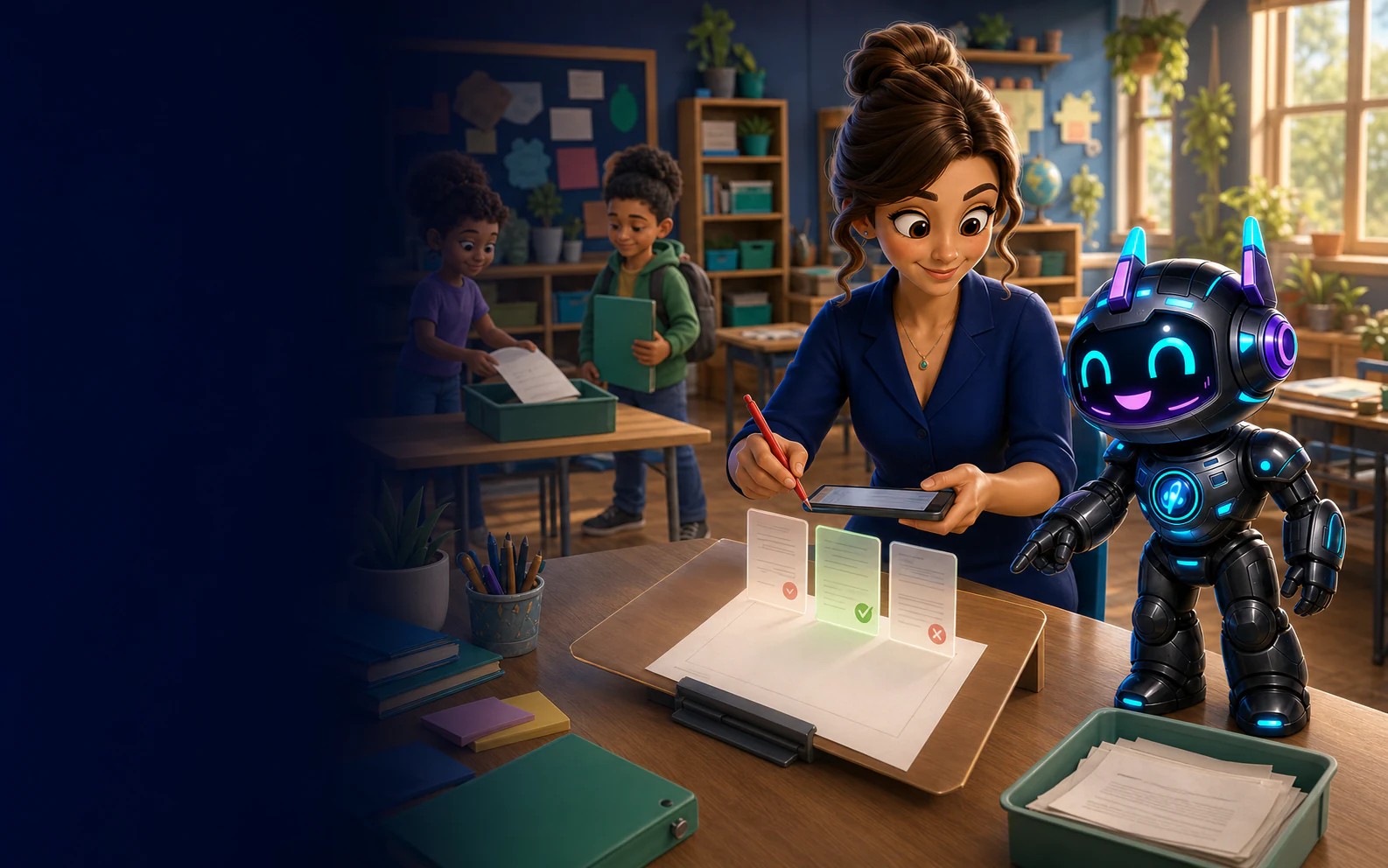
Build homework that references the selected curriculum context, turn an existing paper worksheet into a digital task, assign it to the right students and see what was completed.
What this unlocks
Build with Riley, reuse a teacher-owned task or photograph a paper worksheet—then review it before anything reaches students.
Outcome 01
Build, reuse or photograph
Outcome 02
Review before assignment
Outcome 03
Question-level evidence
One focused job, end to end
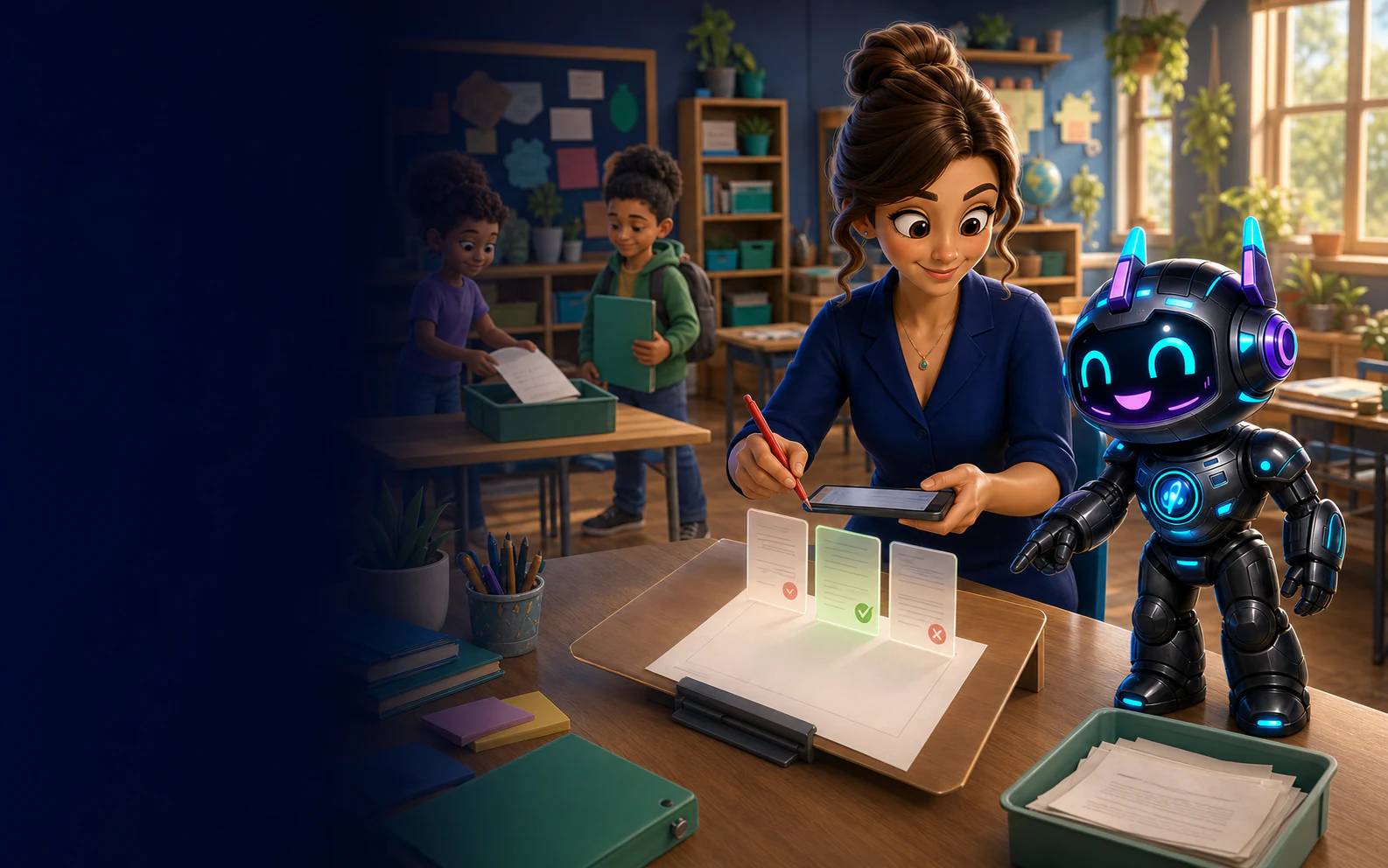
Homework Buddy keeps creation, assignment and reporting in the same teacher-owned classroom. Students see only the work that has been sent to them.
Start from subject, year level and focus, then review the generated task before assigning it.
Photograph a paper worksheet, check the extracted questions and bring it into a digital student workflow.
Return to work you have already generated, preview or print it, and choose a class when it is useful again.
Move from submission status into class, student and question-level evidence without rebuilding a spreadsheet.
The homework loop
A short, visible path for teachers and a focused experience for students.
Create a task in Homework Buddy or begin with your existing worksheet.
Check the questions, choose the recipients and assign the work.
Open the class report and use response patterns to plan the follow-up.
We will walk it from teacher setup to the student workspace and back to reporting.
Curriculum notice: SmartKidz is an independent educational platform. School content references ACARA v9.0 and the New Zealand Curriculum where content is available; SmartKidz is not affiliated with, sponsored by or endorsed by ACARA, the Australian Government or the New Zealand Ministry of Education. Australian Curriculum material is used under CC BY 4.0.