Outcome 01
Teacher-owned classrooms
Safety and privacy by design
SmartKidz separates school accounts from family and at-home products, scopes classroom data to the teacher who owns it and keeps student entry simple without requiring email accounts.
What this unlocks
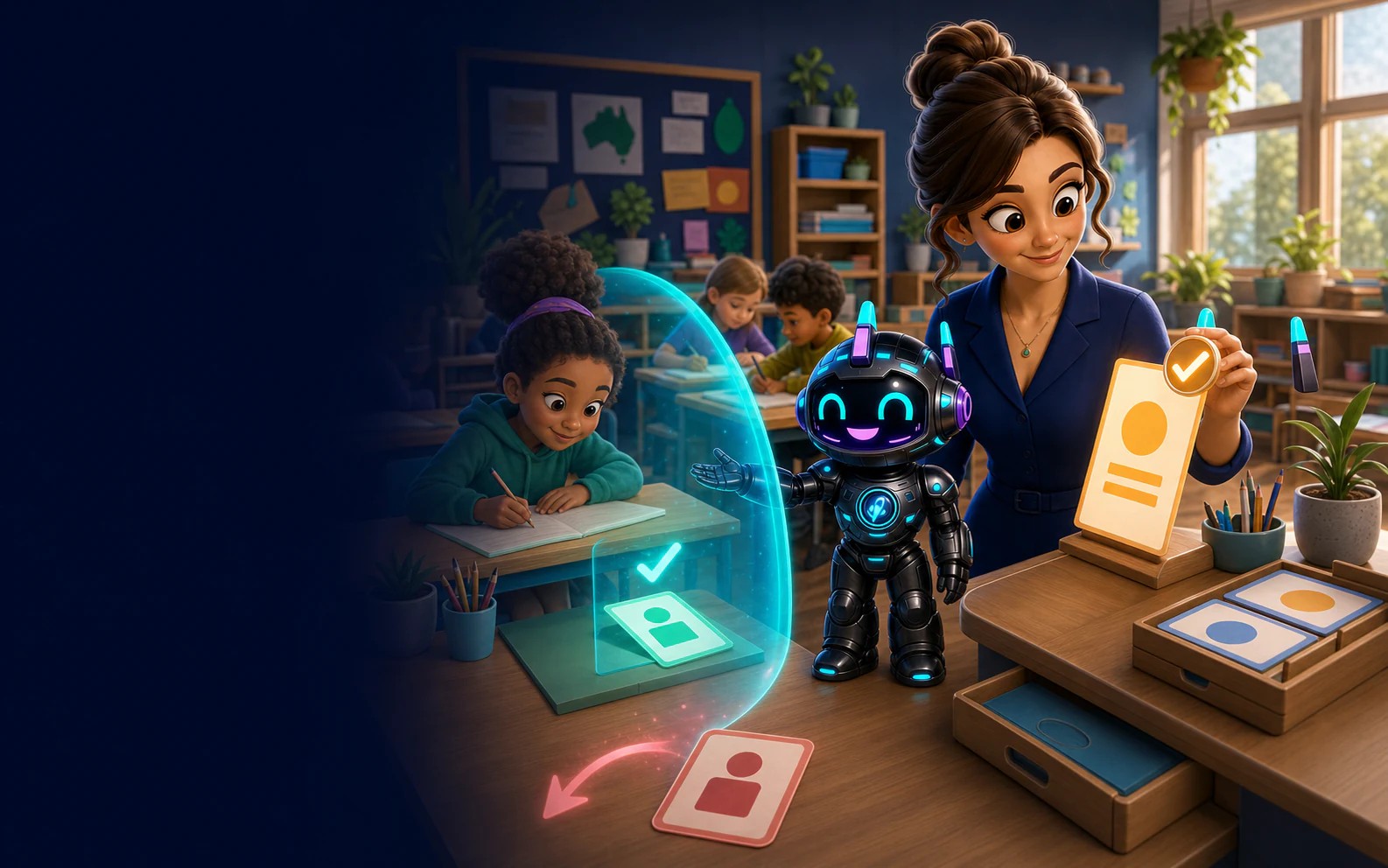
Class-scoped access, focused learner sessions and visible safety signals give the teacher practical boundaries to review and act on.
Outcome 01
Teacher-owned classrooms
Outcome 02
Signed student sessions
Outcome 03
No ads or public social feed
Practical controls
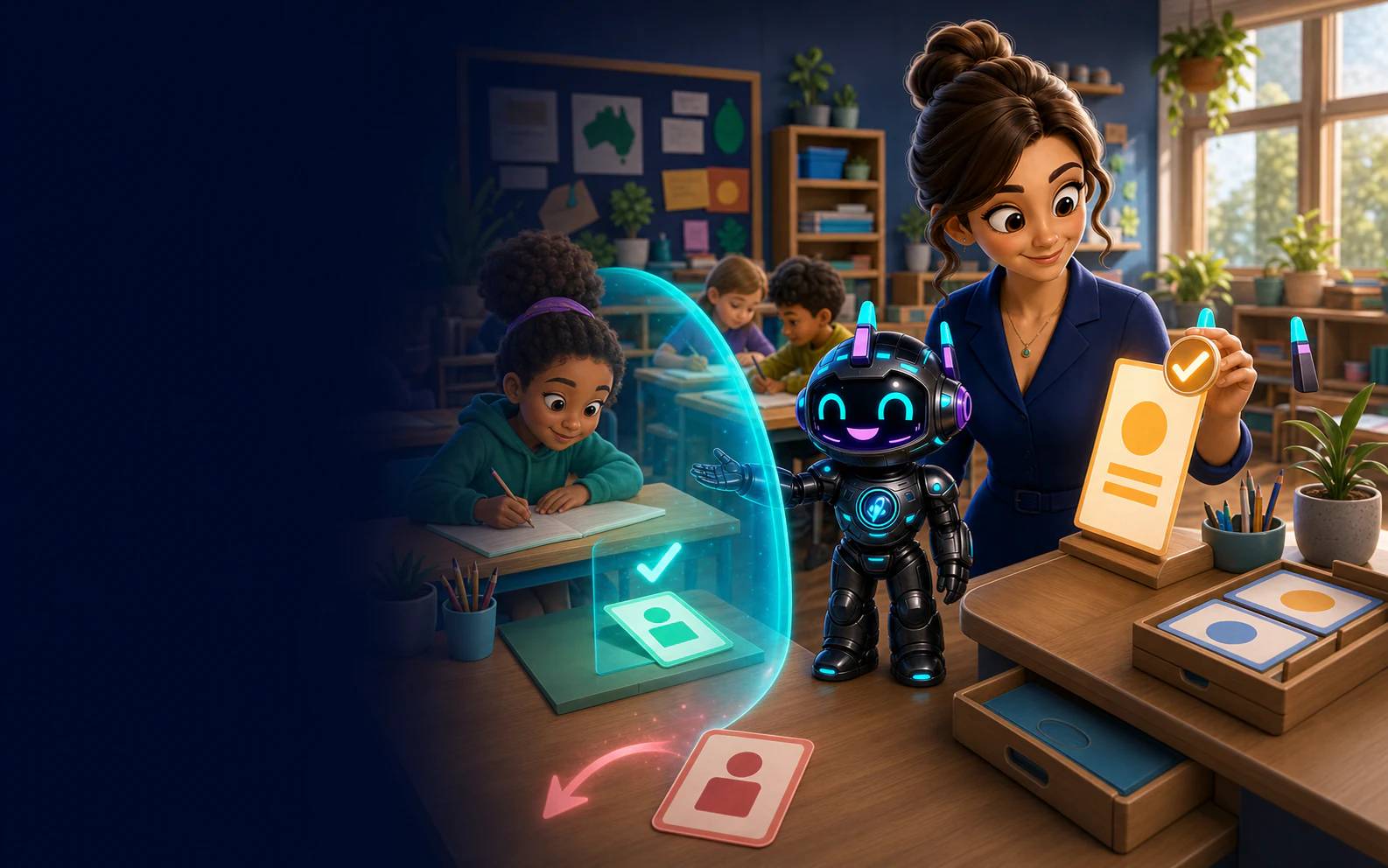
Clear account boundaries, scoped data access and intentionally limited student sign-in reduce unnecessary exposure. We describe our controls plainly and do not claim certifications we have not earned.
Canonical product routing separates teacher and student surfaces from family and at-home customer routes.
Teacher routes and data access are checked against classroom ownership before information is returned.
Students use a class code, roster identity and signed session rather than creating a public-facing account.
Teacher surfaces expose safety items and scoped Riley chat transcripts for learners in the teacher-owned classroom.
Access in context
Access checks are layered around product scope, adult identity and classroom membership.
The adult account is verified before teacher routes are available.
Classroom tools and records remain scoped to the teacher who owns the class.
The class code and PIN open a focused learner session; the Privacy Policy explains retention and deletion rights for transcript and behavioural data.
Book a walkthrough and bring the privacy, access or deployment questions your school needs answered.
Curriculum notice: SmartKidz is an independent educational platform. School content references ACARA v9.0 and the New Zealand Curriculum where content is available; SmartKidz is not affiliated with, sponsored by or endorsed by ACARA, the Australian Government or the New Zealand Ministry of Education. Australian Curriculum material is used under CC BY 4.0.